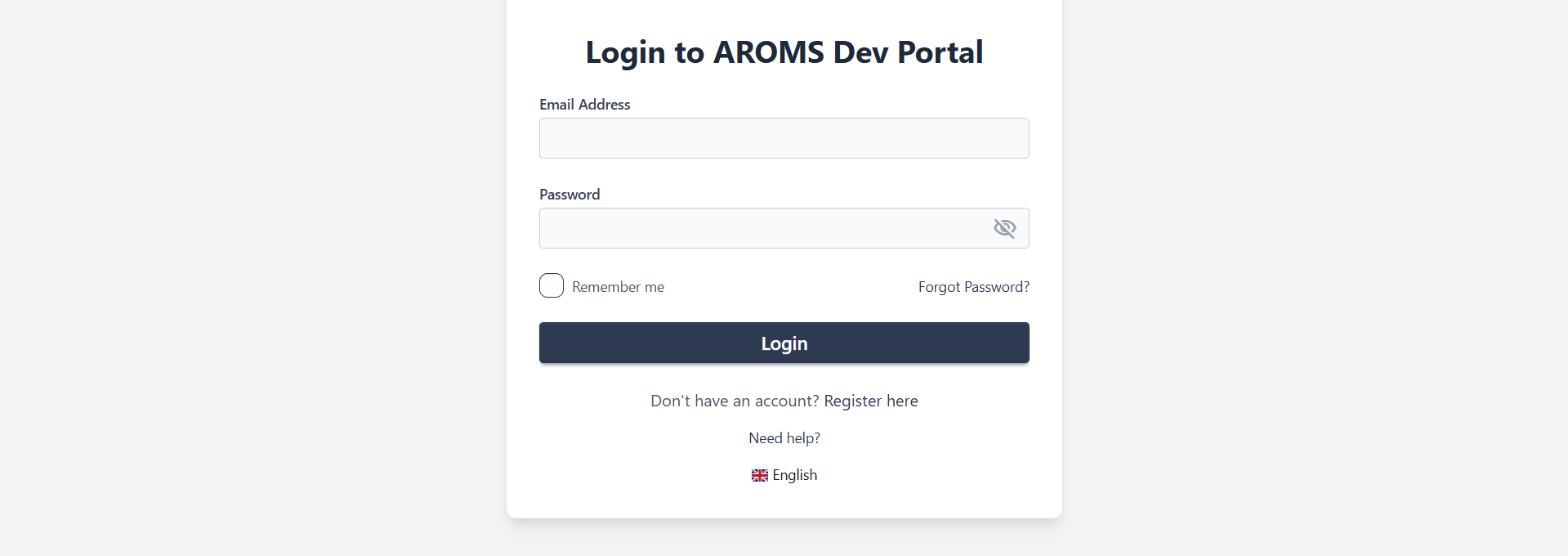
Login
How to login to the portal: Use a registered email and password.
Using a registered email and password.
Enter the email and password in their respective fields and click the Login button.
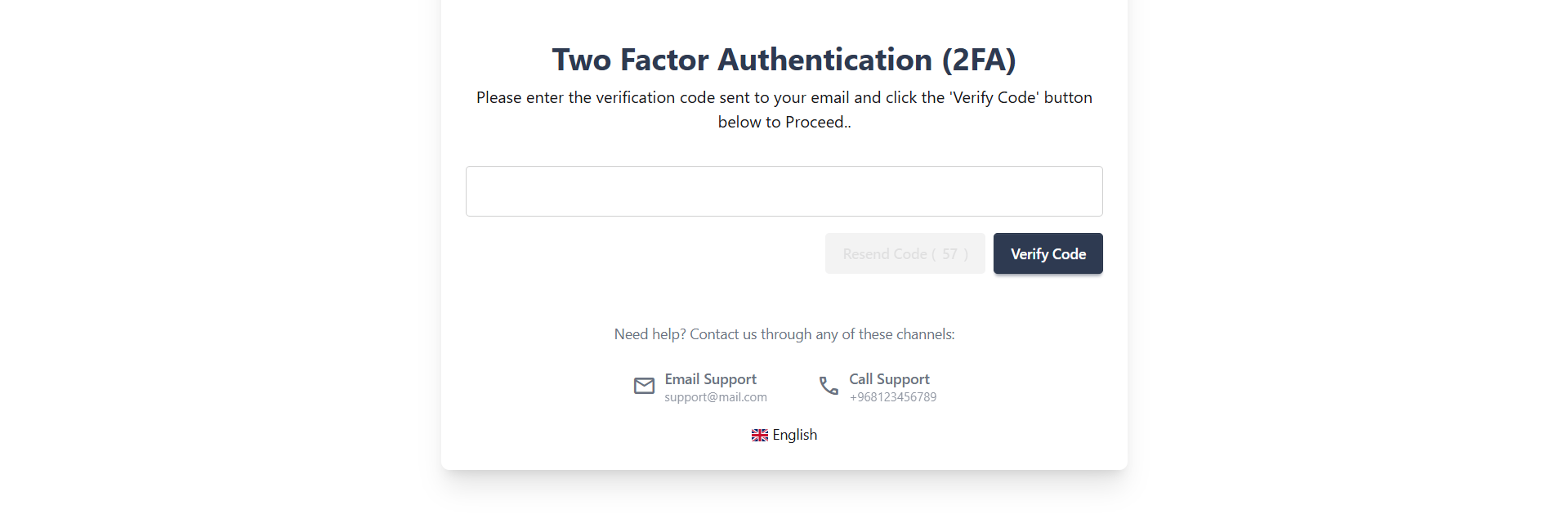
Successful Login redirects the user to the Two-Factor Authentication page. You will receive a text message with a code that enables you to access your account. Key in the code and click Submit. If you don't receive the code, click Resend Code to receive a new code.
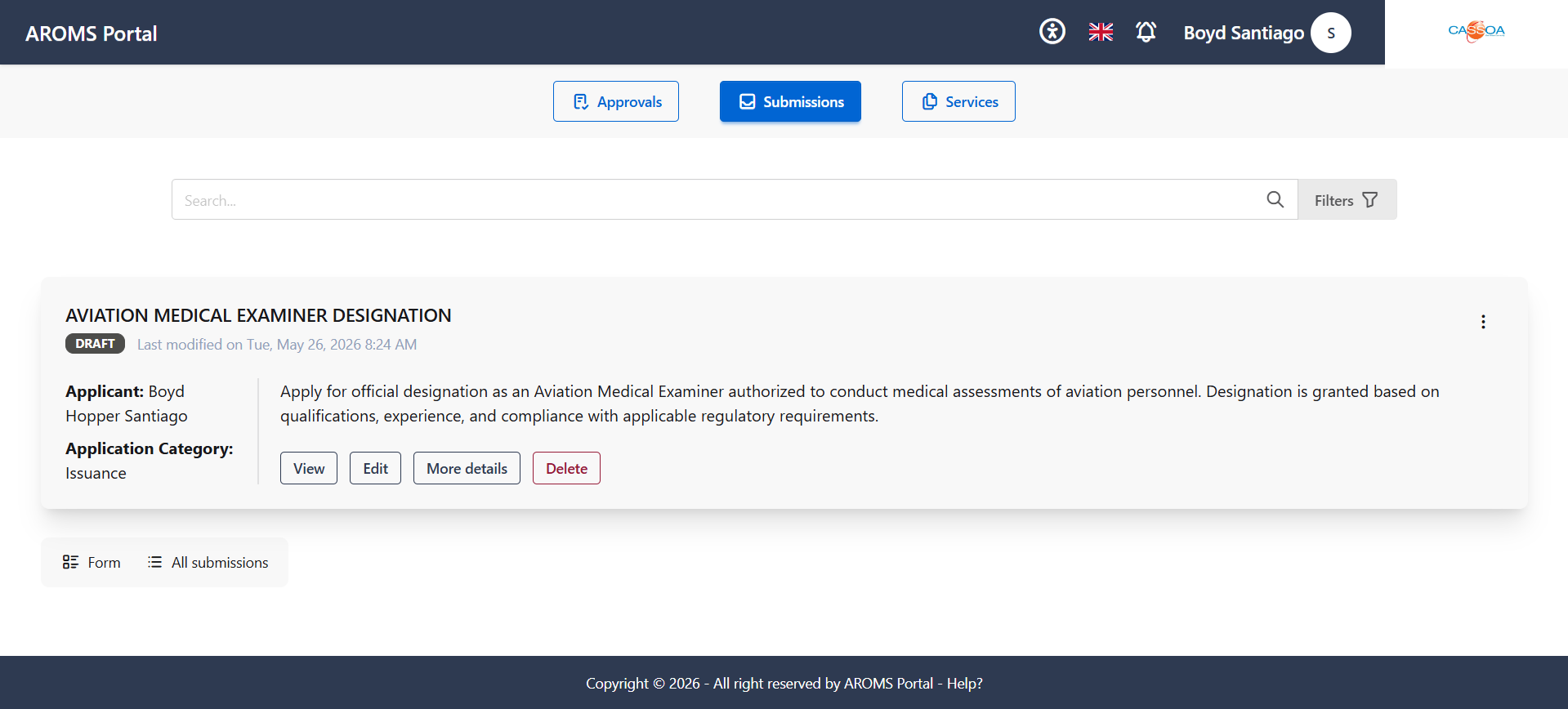
After entering the two factor authentication code, you are redirected directly to the Dashboard page.